Touch Screen Stylus Pen Compatible with Apple iPad and Android iOS Tablets for Drawing Painting Writing with Tilt Pressure Sensitivity Anti-Inadvertent Touch Power Display Options Available


Touch Screen Stylus Pen Compatible with Apple iPad and Android iOS Tablets for Drawing Painting Writing with Tilt Pressure Sensitivity Anti-Inadvertent Touch Power Display Options Available
Touch Screen Stylus Pen Compatible with Apple iPad and Android iOS Tablets for Drawing
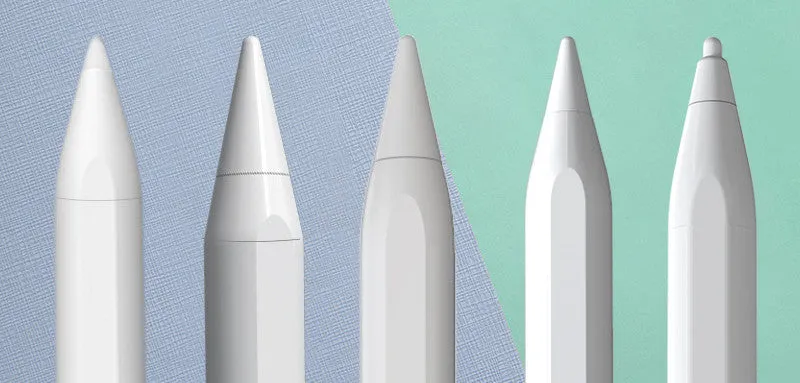
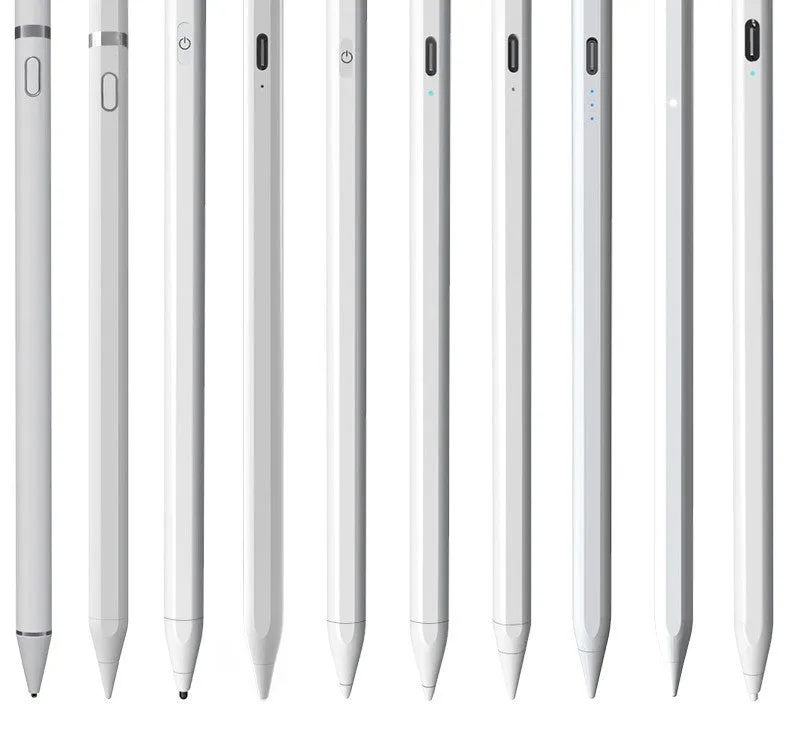
This capacitive stylus pen offers a reliable solution for tablet users who need precise touch input for drawing, painting, note-taking, and general navigation. Designed for both Android and iOS systems, it works across a wide range of devices including multiple iPad generations. Whether you are a digital artist or a student taking handwritten notes, this pen provides a practical alternative to using your finger, reducing smudges and improving accuracy. The stylus is available in several variants to match specific device requirements, from basic capacitive models to advanced versions with tilt pressure sensitivity and anti-inadvertent touch functionality.
Features and Construction
The stylus is built around a standard capacitive tip that responds to touch on any capacitive screen. Different model options add specialised features for enhanced usability.
Capacitive Tip and Compatibility
The pen uses a conductive capacitive tip that works with all capacitive touchscreens found on modern tablets and smartphones. This ensures reliable response without requiring Bluetooth pairing or app installation. The tip is designed for smooth gliding across glass screens, making it suitable for drawing fine lines and writing small text.
Tilt Pressure Sensitivity
Models F and G offer tilt pressure sensitivity, allowing the pen to detect the angle of the stylus on the screen. This feature is particularly useful for digital artists who want to vary line thickness or shading, mimicking the behaviour of a real pencil or brush. The tilt response works seamlessly on compatible iPad models.
Anti-Inadvertent Touch and Power Display
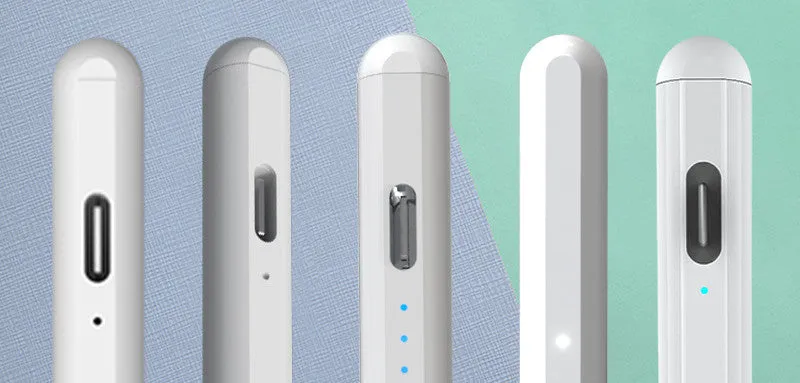
Models D, E, F, and G include anti-inadvertent touch technology, which prevents accidental inputs from your palm or fingers while writing or drawing on the screen. Model G also has a battery power display, so you can check remaining charge at a glance and avoid interruptions during creative sessions.
Uses and Placement
This stylus is suited for both professional creative work and everyday tablet use across different environments.
Digital Art and Drawing
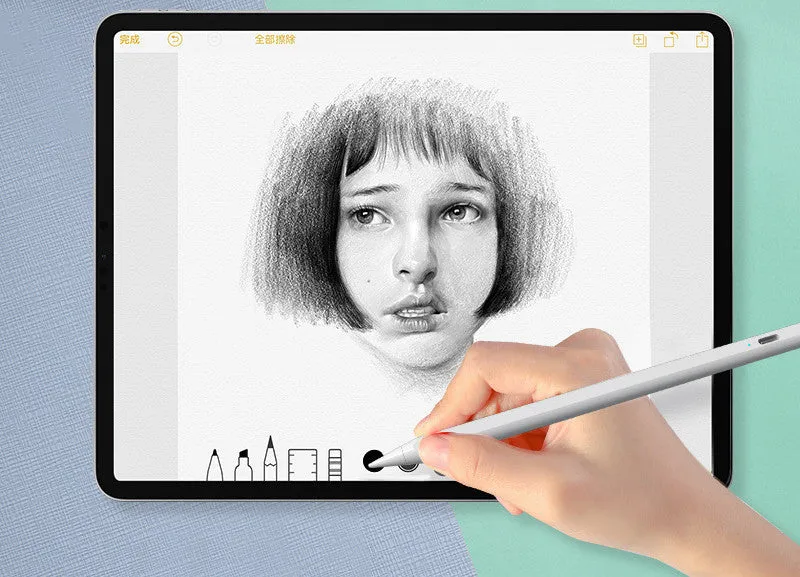
Artists can use the tilt-sensitive models (F and G) for sketching, shading, and detailed illustration work on iPad. The precise tip supports fine control, making it easier to create clean lines and accurate shapes without the bulk of a finger. The anti-inadvertent touch feature allows natural hand-on-screen drawing.
Note-Taking and Office Work
Students and professionals can use the stylus for handwritten notes, annotations, and document editing. Its compatibility across Android and iOS devices means it can be used on a personal iPad or a work tablet, replacing traditional pen and paper for digital workflows.
Everyday Navigation and Touchscreen Use
Beyond creative tasks, the stylus is useful for general tablet navigation, selecting small icons, and browsing the web with greater accuracy. It reduces screen smudging and makes prolonged use more comfortable than direct finger touch.
Benefits and Buying Value
Choosing the right stylus model provides practical benefits based on your device and usage patterns.
Wide Compatibility and Flexibility
The stylus works with both Android and iOS systems, giving you flexibility to use it across multiple tablets or phones. With options from basic capacitive models to advanced iPad-specific versions, you can select the right level of functionality for your needs without paying for features you do not require.
Low Maintenance and Reusable
This pen requires no battery in basic models and only standard charging in advanced variants. The capacitive tip is durable for regular use, and the absence of moving parts means fewer potential failures. It is a simple, disposable-add-on that can be carried in a pocket or case.
Why Choose This Product
It offers a cost-effective way to improve tablet input accuracy, particularly for users who draw, write, or need more precise control than fingers provide. The availability of tilt sensitivity and anti-inadvertent touch on certain models makes it a competitive option for digital artists on a budget.